Italic or Italic
Bold
Bold and italic
Strikethrough
Highlighted textFirst line
Second line (two trailing spaces forces a line break)
Use a backslash \ before special characters to display them literally.
Example: *not italic*
I ❤️ Markdown!
- Item one
- Item two
- Nested item
- Another nested
- First
- Second
- Subfirst
- Subsecond
- Term 1
- Definition 1
- Term 2
- Definition 2
Inline link
With title tooltip link
Reference-style link
Email user@example.com
Internal anchor link
Simple quote.
Multi-line quote first paragraph.
Second paragraph.
Outer quote.
Inner nested quote.
Back to outer.
| Syntax | Description |
|---|
| Header | Title |
| Paragraph | Text |
Column Alignment
| Left | Center | Right |
|---|
| left | center | right |
This is a statement.1
Three options all produce a rule:
Inline Image: 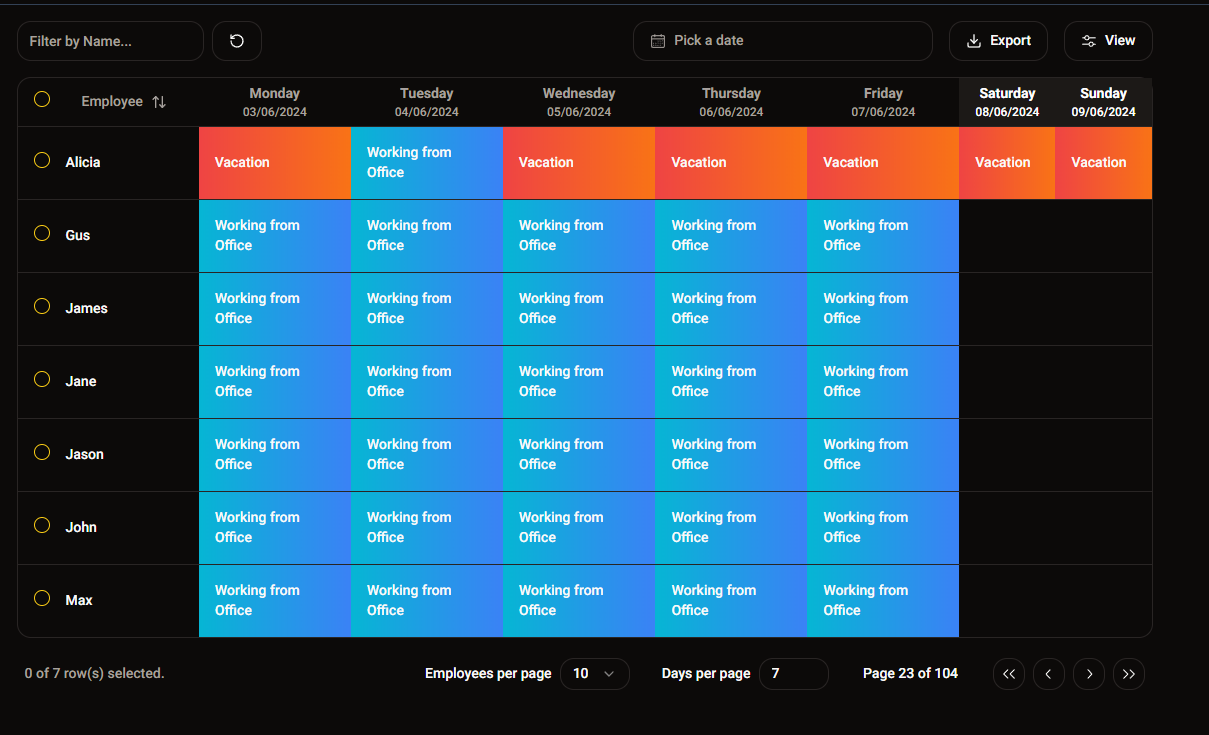
Title tooltip:
Reference-style image:
NOTE
Highlights information users should take into account.
TIP
Optional information to help a user be more successful.
IMPORTANT
Crucial information necessary for users to succeed.
WARNING
Critical content demanding immediate user attention.
CAUTION
Negative potential consequences of an action.
Use code for variables or short snippets.
Add title="filename" to the opening fence.
import sys

def main():
    print(sys.version)
Add showLineNumbers to the opening fence.
const x = 1;
const y = 2;
Add {line} or {start-end} or {line,start-end} to the opening fence.
function greeting() {
  const message = "Highlighted";
  console.log("Not highlighted");
  const name = "Developer";
  const result = message + name;
  return result;
}
Add /pattern/ to the opening fence to highlight every match.
import { useState, useEffect } from 'react';
async function fetchUserData() {
  try {
    const response = await fetch(`/api/users`);
    const data = await response.json();
    return data;
  } catch (error) {
    throw error;
  }
}
MDX lets you use JSX components directly in Markdown files.
Red text using JSX style
Components are never imported inside .mdx files. All available components are registered globally in mdx-components.tsx
import { Badge } from "@/components/ui/badge"
import { Kbd, KbdGroup } from "@/components/ui/kbd"

const components = {
  Badge,
  Kbd,
  KbdGroup,
  // add more components here
}
Press Ctrl + C to copy.
⌘⇧KBadge component:
BadgeWritten by Jane Doe.
The current year is 2026.
4 equals four.
Frontmatter uses YAML and must appear at the very top of the file.
---
title: "My Post Title"
date: '2025-01-08'
summary: A short description of this page.
---